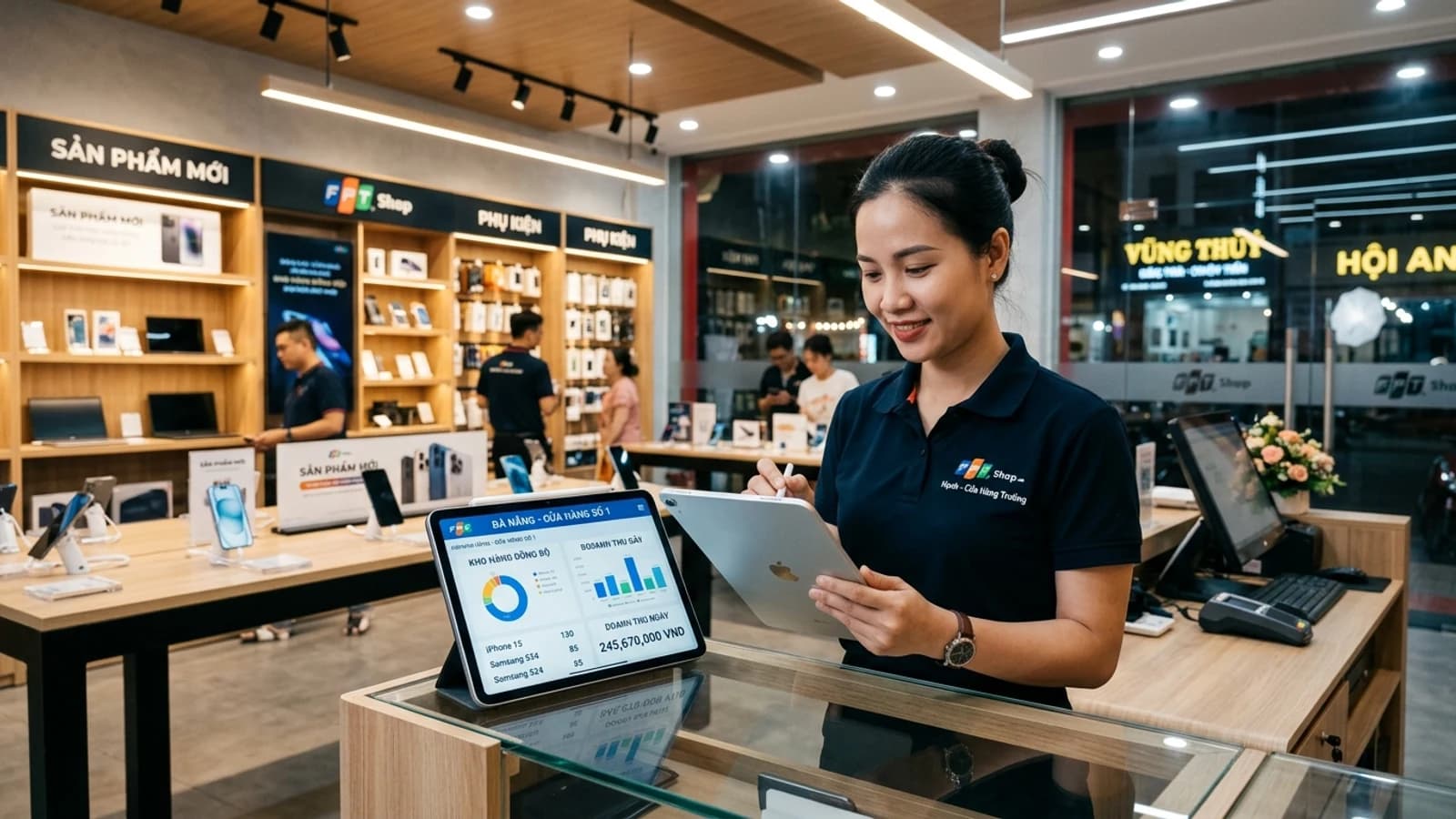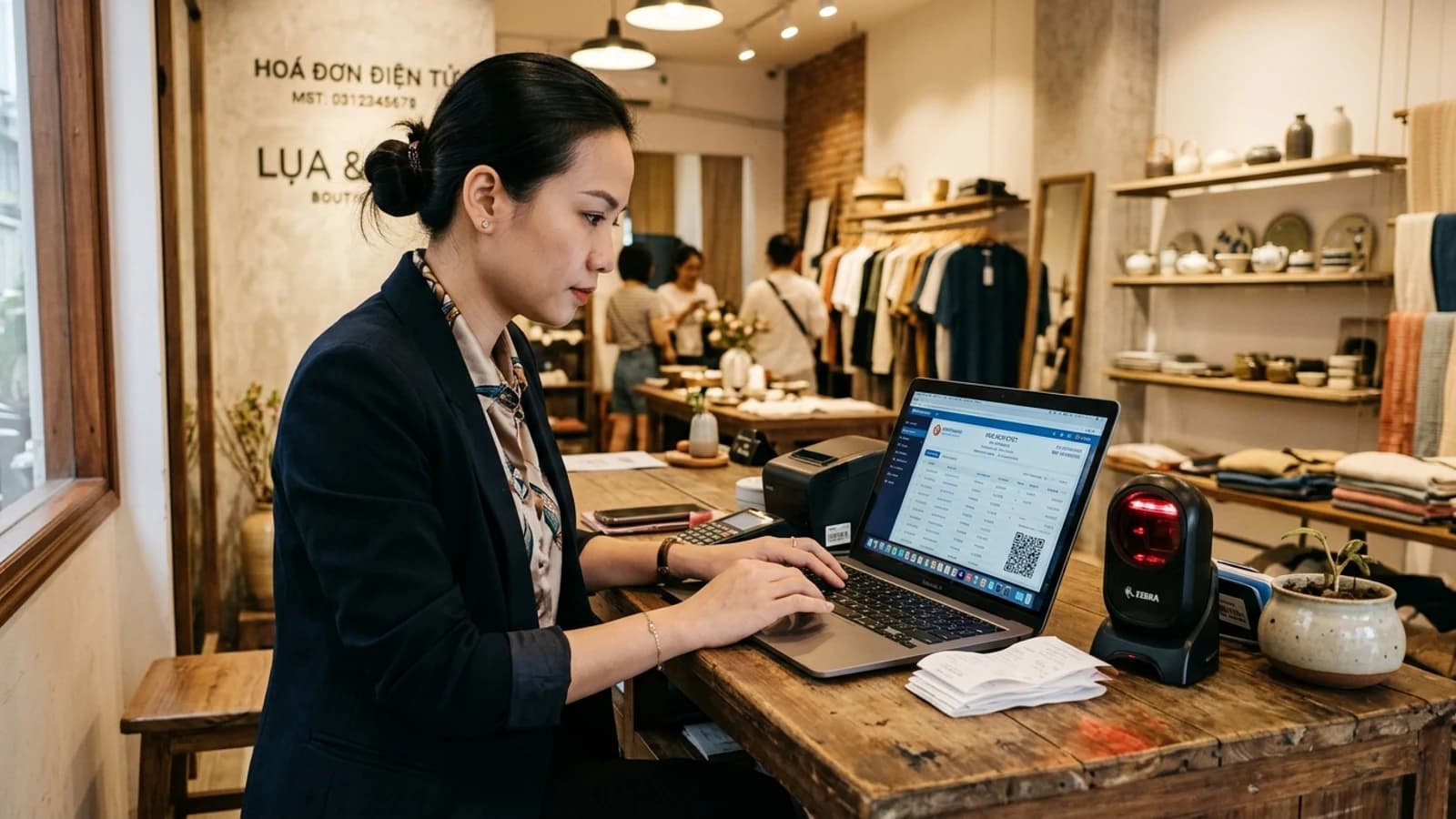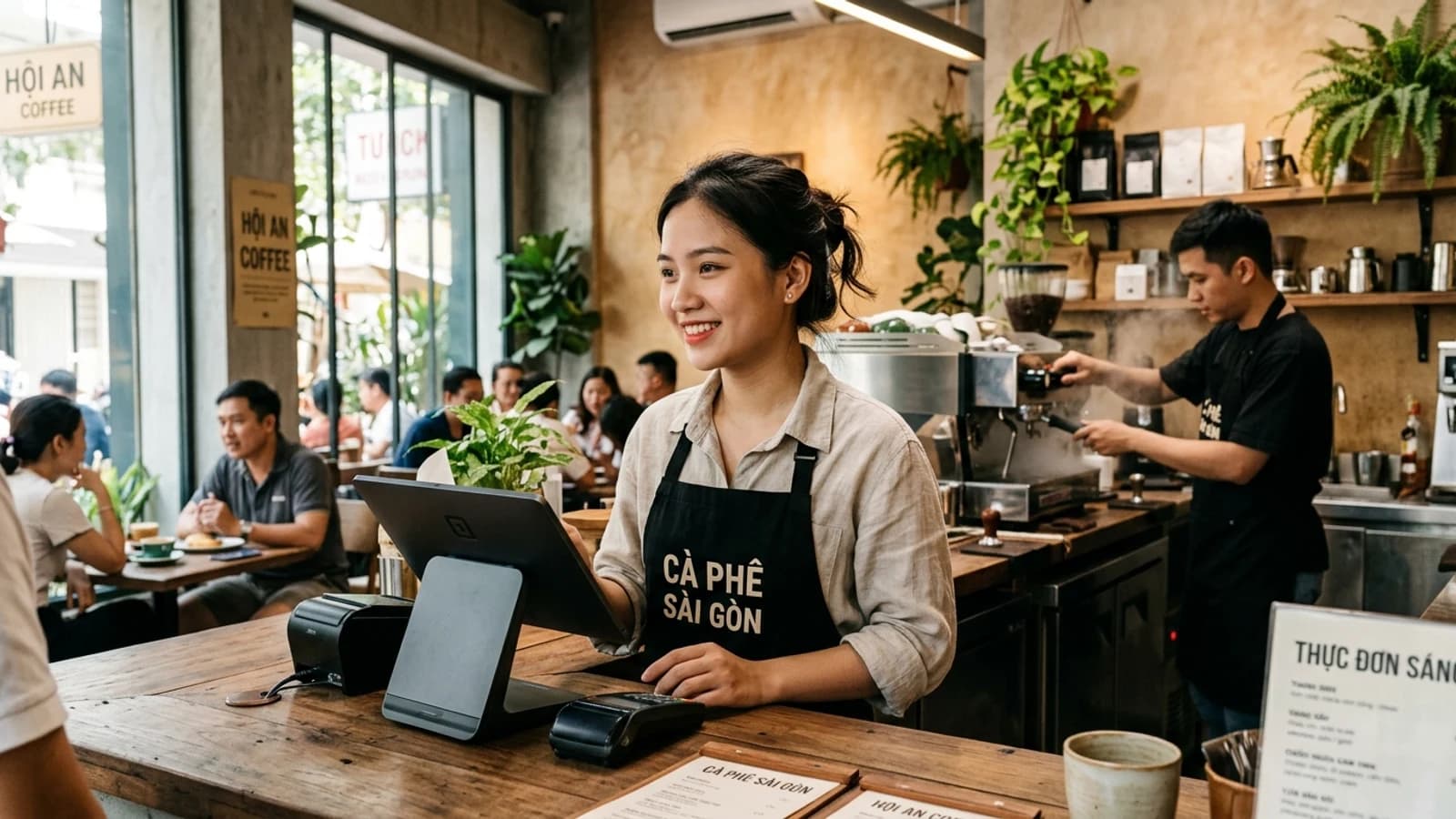
Feature comparison tables for F&B software all look much the same: sales, stock, reports, promotions. Put them in a real café and the differences are stark — and they sit in four places no comparison table lists.
Criterion 1: Taps to complete one order
A café’s peak is 60–90 minutes, in which the till handles a few hundred orders. Three extra taps per order is several minutes of queue — and several customers walking out.
How to test before buying: make the vendor let you ring up a real order of your own — two coffees, one size change, one item noted "less sugar", split the bill, pay half cash and half transfer. Count the taps. Do not watch them demo it; do it yourself.
- Does choosing an item mean digging through category levels, or is there a best-sellers screen?
- How many taps to change size or add a topping?
- Can a kitchen note be entered quickly, or does it open a full keyboard?
- Can bills be split and merged right at the counter?
Criterion 2: Stock by recipe, not by menu item
This is what separates software genuinely built for F&B from retail software with "restaurant" added to the name. Selling one iced milk coffee does not deduct one "iced milk coffee" from stock — it must deduct 18g of coffee, 20ml of condensed milk, a cup, a lid and a straw.
Without recipes you never know how much you are losing to wastage, and you cannot compute the true cost of a menu item. For a business with thin margins this is not an advanced feature, it is a requirement.
Criterion 3: Shifts and cash reconciliation
Every venue runs multiple shifts, and cash still carries a large share. Without closing the till per shift, when money is short nobody knows which shift it went missing in, and suspicion falls evenly on all staff — the fastest way to lose the good ones.
The software needs: opening cash count at shift start, closing count at shift end, automatic variance, and a log of sensitive actions during the shift — voiding an item after it printed to the kitchen, manual discounts, opening the drawer.
Criterion 4: What happens when the network drops
A venue cannot stop selling because of connectivity. Ask directly and insist on a test: pull the cable, sell five orders, plug it back in, check that everything arrived and stock is right.
"Our software is cloud-based so it is very reliable" is not an answer to that question.
Things that matter less than people think
| Heavily advertised | In practice |
|---|---|
| Hundreds of report templates | An owner regularly opens about five; nobody touches the rest |
| Colourful interface with animations | The till needs big text and big buttons, not beauty |
| Dozens of integrations | What matters is integrating the ones you use: delivery apps, kitchen printer, payment gateway |
| A customer app of your own | Customers rarely install an app for one venue; a phone number as the loyalty card works better |
What the real cost includes
- Monthly subscription, multiplied by branches and terminals.
- Hardware: receipt printer, kitchen printer, cash drawer, scanner — if the software locks you to one brand, that is a large hidden cost.
- Setup and initial data entry: menu, recipes, cost prices.
- Out-of-hours support — venues trade in the evening and at weekends, exactly when many vendors are not staffed.
On that last point, confirm the support hours before signing. A venue open until 10pm with a partner who only answers during office hours is a genuine risk.
SealSales was built against exactly those four criteria and serves F&B, retail, services and wholesale on one platform — with a free plan so you can run the whole workflow before deciding.
Want to talk specifics?
SealCore surveys at your premises and sends a fixed quote after the first session — including when the conclusion is that you do not need custom software.