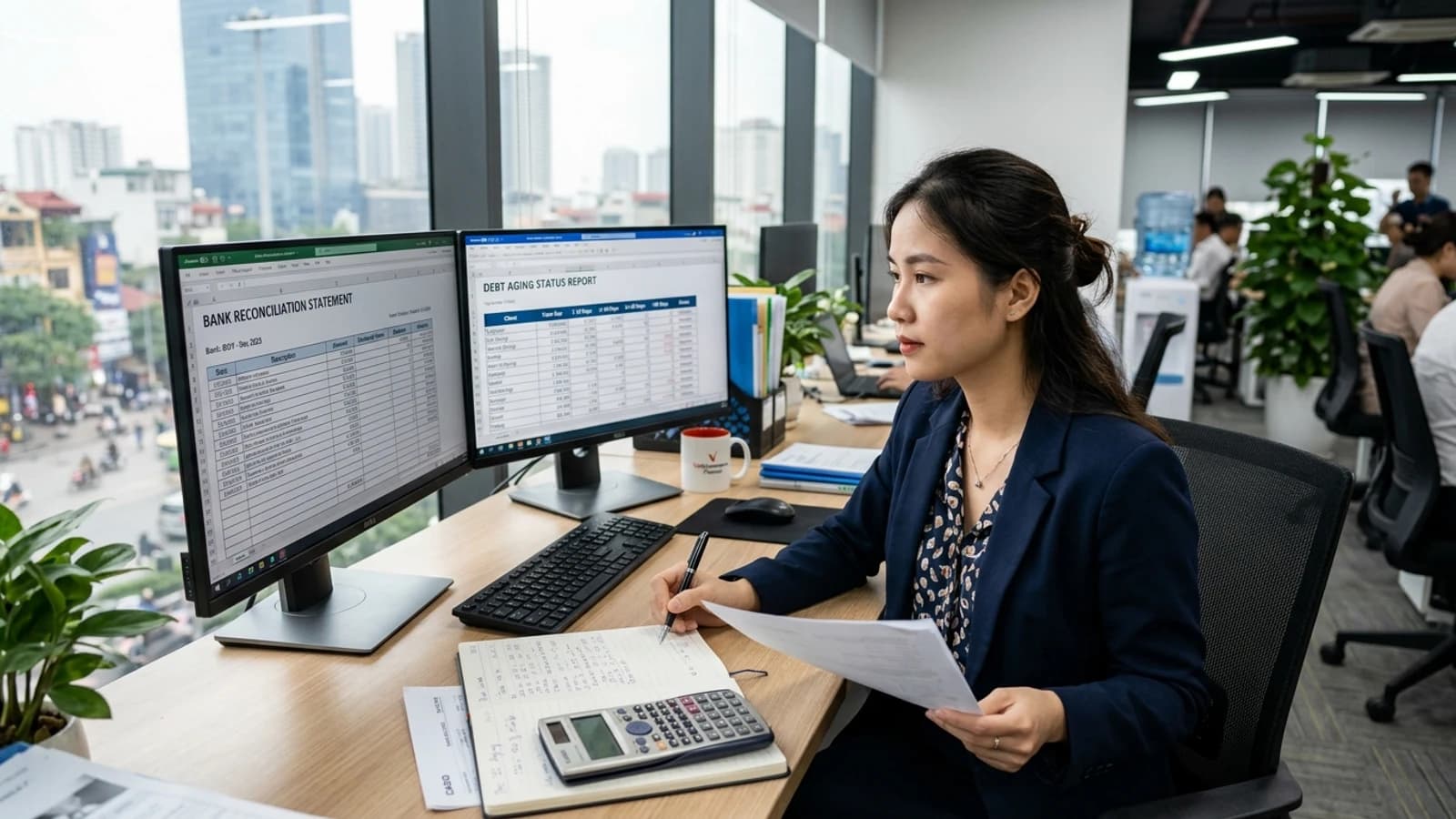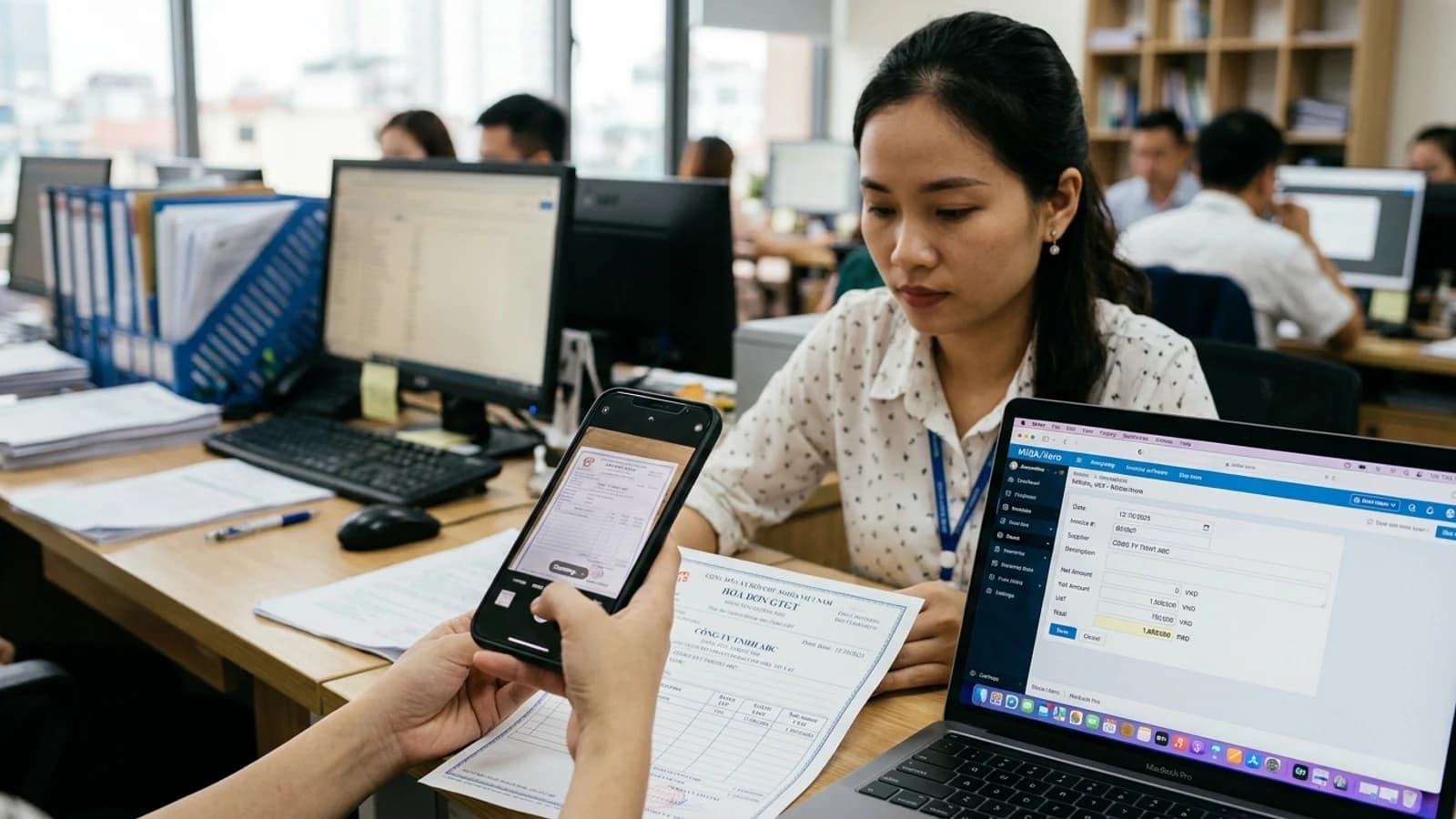
Keying in paperwork is the textbook case for handing work to a machine: repetitive, dull, and humans get worse at it the longer they do it. It is also work where one small error goes straight into the books. So the real problem is not "can the machine read it" but "how do we design this so the machine’s mistakes do not get through".
The actual pipeline
- 1Take the input — a phone photo, a PDF, or an email attachment. In practice in Vietnam most of it is photos sent over chat, at an angle and badly lit.
- 2Normalise the image — deskew, crop, raise contrast. This cheap step improves results more than people expect.
- 3Read and extract fields — supplier, tax code, invoice number, date, each line item, unit price, tax rate, total.
- 4Automatic cross-checks — the lines must sum to the total; tax must match the rate; the tax code must be well-formed; the supplier must exist in the catalogue.
- 5Reconcile against existing data — which purchase order does this belong to, has the stock arrived, does the price match the contract.
- 6Human review — only documents that failed step 4 or 5 need eyes. The rest post straight through.
Step 4 is the crux. Paperwork has arithmetic built into it: the numbers must agree with each other. That property lets the system know it has misread without anybody telling it.
Real accuracy depends on the input quality
| Input type | How easily handled | Note |
|---|---|---|
| E-invoice (original XML/PDF) | Very high | Already structured, barely needs image reading at all |
| PDF printed from a system | High | The text is real text, not an image |
| Flat scan, well lit | Reasonable | Needs image normalisation first |
| Phone photo, angled, creased paper | Noticeably lower | Better to ask for a retake than to fight the image |
| Handwritten documents | Low | Automate only the printed parts; leave handwriting to a person |
Design for the errors, not just the successes
A good system is not one that never errs; it is one that knows when it is unsure and pushes exactly those cases to a person. Three principles:
- Every field carries a confidence. Anything under the threshold is highlighted, and the cursor jumps there when the reviewer opens it.
- Always show the original image beside the data. The reviewer must be able to compare in one second, not open another file.
- Log every human correction. That is both an audit trail and the data that tells you which fields and which suppliers the system keeps getting wrong.
How to calculate the benefit honestly
Do not calculate it as "saves 90% of the time". Use the real formula:
Hours saved per month = (documents × manual keying time) − (documents needing review × review time) − time spent on exceptions.
For a business receiving 600 documents a month at 3 minutes each to key, with 25% needing review at 40 seconds each: roughly 27 staff hours saved a month. That is a number you can decide on — and it also tells you that if the review rate reaches 70%, the project no longer makes sense.
What should never be fully automatic
- Documents of unusually high value — always route to a person, whatever the confidence.
- A supplier trading with you for the first time — there is no history to reconcile against.
- Documents showing signs of alteration, or duplicating the number of one already entered.
These three rules exist not because the machine is weak but because these are precisely where fraud happens — and a fully automatic system will wave them through, consistently and silently.
Want to talk specifics?
SealCore surveys at your premises and sends a fixed quote after the first session — including when the conclusion is that you do not need custom software.